
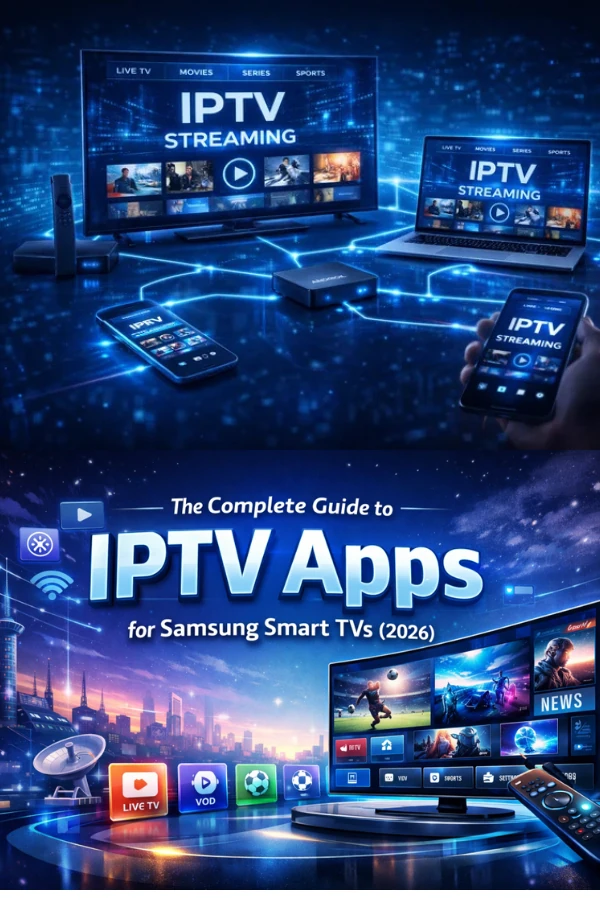
Busy households rarely watch one screen at a time. Here is how streaming on several devices works, and how to keep everyone happy.
Connections, explained
A connection is one screen streaming at once. If your plan includes three connections, three devices can watch different things simultaneously. Choose the number that matches the busiest moment in your home — a weekend evening is a good benchmark.
Tips for multi-screen homes
- Give your network headroom. Several 4K streams at once need a solid connection; wired links for the main TVs help a lot.
- Use profiles so each person keeps their own place and recommendations.
- Match connections to reality, not the maximum. Most homes need fewer than they expect.
Changing your mind
If your household grows or your habits change, you can adjust your number of connections at any time. One subscription, every screen — without the squabbles over the remote.