
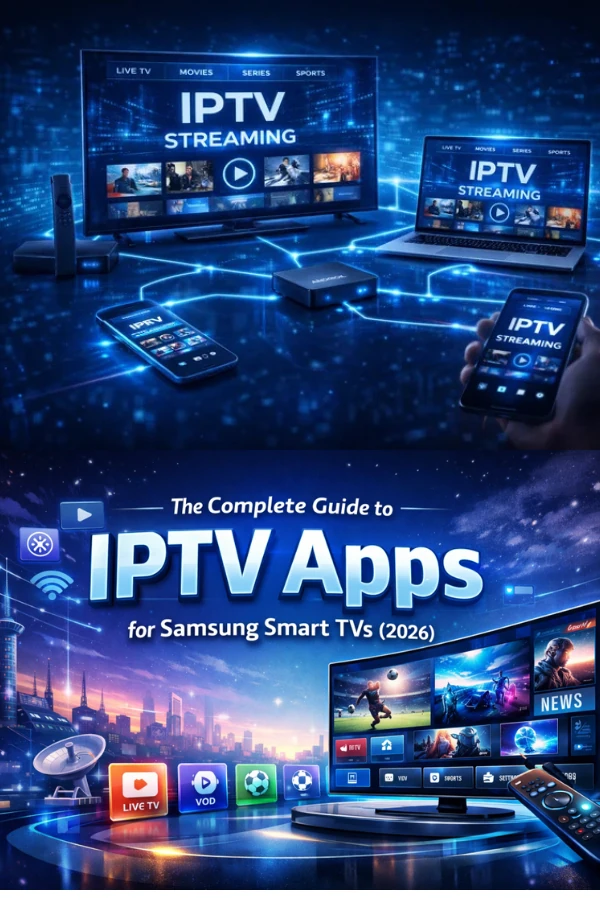
Welcome aboard. If you have just joined NordicStreamTV — or you are still deciding — this guide walks you through everything from start to finish. No technical background required.
1. Choose the plan that fits
Every plan streams the same library; the difference is picture quality and how many screens can watch at once. If you are not sure, start with Premium: it unlocks 4K Ultra HD and works beautifully on a modern TV. You can change plans at any time, so nothing here is permanent.
A few things to think about:
- How many people watch at the same time in your home
- Whether your TV and internet support 4K
- How long you want to commit — 3, 6 or 12 months, with better overall value on longer plans
2. Confirm your details
After you choose a plan, you will receive a welcome email with your activation details. Keep this email handy — it has everything you need for the next step. If it does not arrive within a few minutes, check your spam folder or message our support team.
3. Set up your first device
Head to the Setup Guide and pick your device. Most smart TVs are ready in under five minutes. The steps are short, and we have illustrated guides for phones, tablets, computers and streaming boxes too.
4. Press play
That is genuinely it. Open the app, sign in with your activation details and start watching. Your progress syncs across devices, so you can start on the TV and finish on your phone.
If you ever get stuck, our team is available 24/7. Streaming should feel effortless — and with a few minutes of setup, it will.