
Set up in minutes
Choose your device below for a clear, step-by-step guide. If you get stuck at any point, our 24/7 team is one message away.
Streaming on your Smart TV
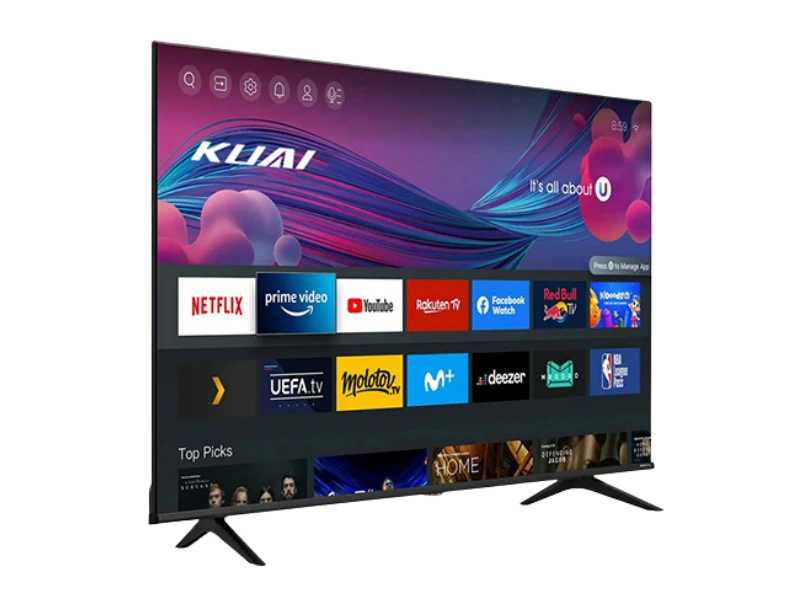
Most modern smart TVs are ready in just a few steps. Here's how to get going.
Connect to the internet
Make sure your smart TV is online and connected to your home Wi-Fi or via an Ethernet cable for the steadiest connection.
Open your device's app store
From the home screen, open the built-in app store or app marketplace on your television.
Install a compatible media player
Search for and install a compatible streaming player. Our welcome email recommends a player that works beautifully with the service.
Enter your activation details
Open the player and enter the activation details we send to your email after sign-up. Everything you need is in that message.
Press play
Your library loads automatically. Pick something to watch and enjoy it in crisp, smooth quality.
Streaming on phone & tablet
Take your library with you. Set up on mobile in under five minutes.
Update your device
Ensure your phone or tablet is running a recent software version for the best performance.
Install a compatible player
Download a compatible media player from your device's app store, as recommended in your welcome email.
Sign in with your details
Open the app and enter the activation details from your welcome email to connect your account.
Stream anywhere
Watch at home or on the go over Wi-Fi or mobile data. Your progress syncs across your devices.
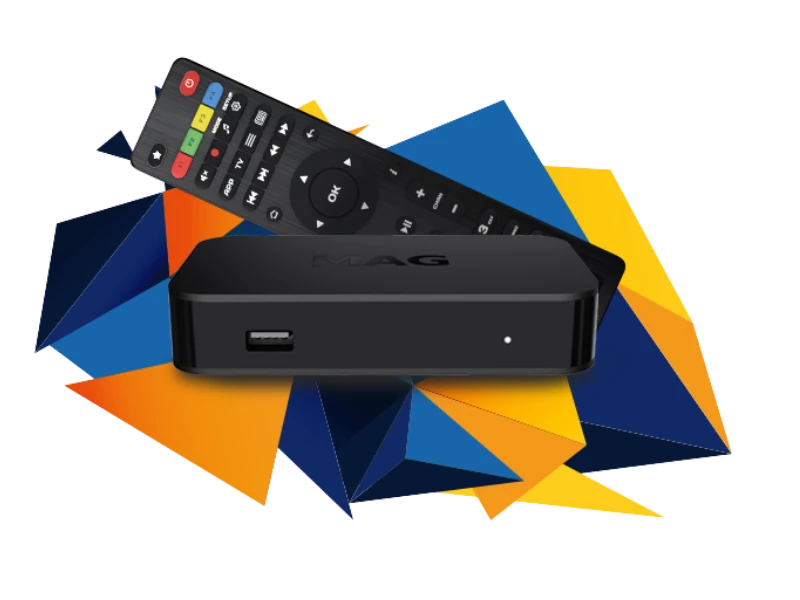
Streaming on a streaming box
Using a dedicated streaming box? Follow these steps to get connected.
Plug in and power on
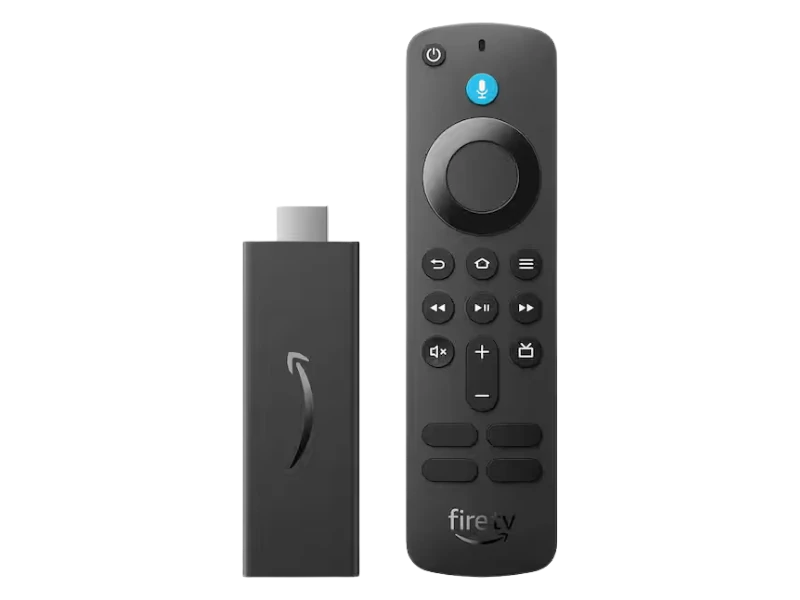
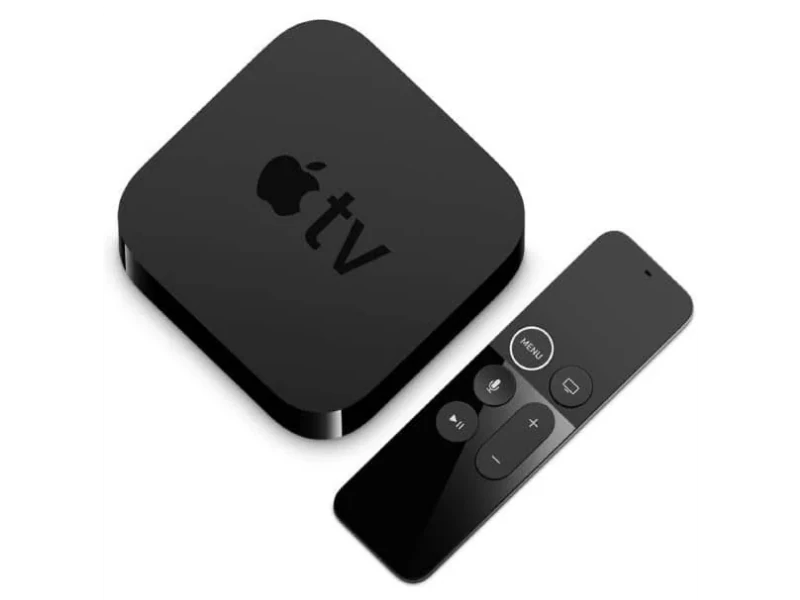
Connect your streaming box to your TV's HDMI port and to power, then follow its on-screen setup.
Connect to Wi-Fi
Join your home network so the box can reach our streaming servers.
Install a compatible player
From the box's app store, install the recommended compatible player.
Activate and watch
Enter your activation details and your full library appears, ready to stream.
Streaming on your computer
Prefer the big screen of a laptop or desktop? It only takes a moment.
Open a modern browser
Use an up-to-date web browser on your laptop or desktop for the smoothest playback.
Go to your viewing portal
Navigate to the secure viewing link included in your welcome email.
Enter your details
Sign in with the activation details we provided to load your personal library.
Enjoy on the big screen
Switch to full-screen and enjoy. You can also connect your computer to a TV via HDMI.
Works on all your favourite devices
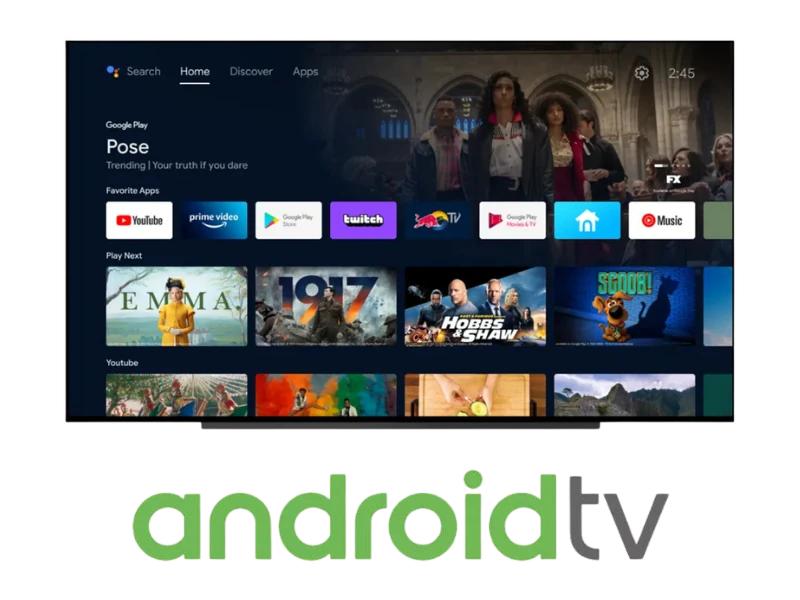
One subscription, every screen. Nordic IPTV runs on the devices you already own — pick yours above for a step-by-step guide.
Running into a hiccup?
Most issues have a quick fix. If these don't help, reach out and we'll sort it together.
Still need a hand?
Our support team is available 24/7 and happy to walk you through setup, step by step.