
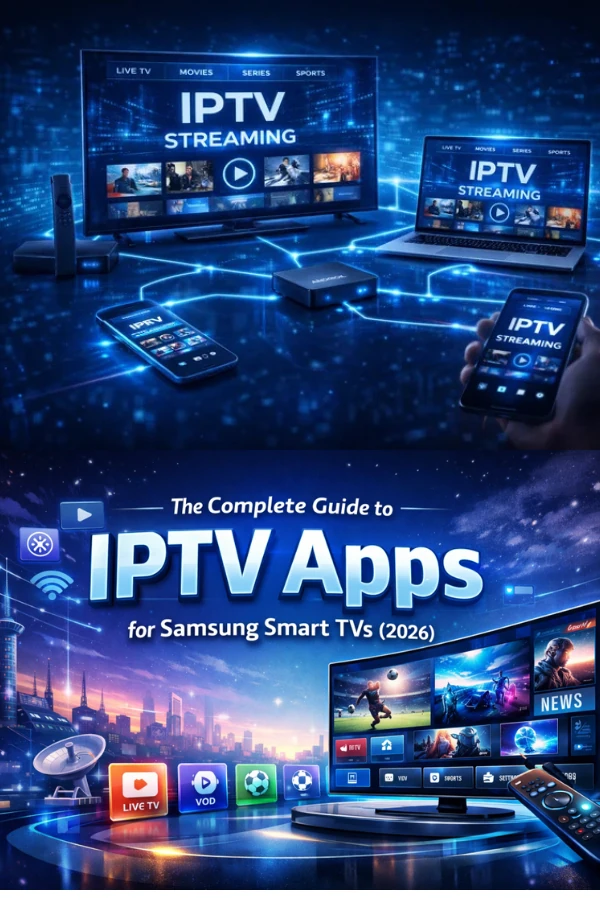
Modern smart TVs make streaming wonderfully simple. In most cases you can be up and running in about five minutes. Here is the short version.
Before you start
Make sure your TV is connected to the internet and that you have your activation details from your welcome email nearby. For the best 4K experience, a connection of at least 25 Mbps is recommended.
The steps
- From your TV home screen, open the app store and search for the player app.
- Install it, then open it and choose Sign in.
- Enter the activation details from your welcome email.
- Pick your profile and you are ready to watch.
If something looks off
If the picture is soft at first, give it a few seconds — quality adapts to your connection and usually sharpens quickly. If buffering persists, a wired connection or moving the router closer can make a real difference.
That is all there is to it. Once you are set up, your place is remembered across devices, so you can pick up right where you left off.